
How to Choose a UPS? How to Calculate the Right UPS Capacity
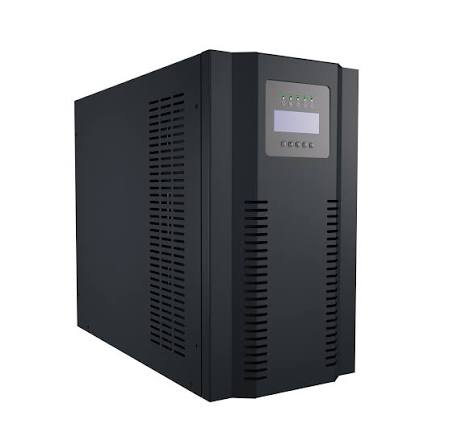
Choosing a UPS (Uninterruptible Power Supply) is not simply a matter of selecting the highest VA rating available.
The correct UPS should be selected based on the total power consumption of the connected equipment, required runtime, battery capacity and the intended application.
An incorrectly sized UPS may not provide enough backup time or may shut down because of overload during a power outage.
Step One: Calculate the Total Load
The first step is to determine the power consumption of all equipment that will be connected to the UPS.
For example:
Computer: 300 W
Monitor: 50 W
Camera recorder: 40 W
Network switch: 30 W
Modem: 10 W
Total consumption:
300 + 50 + 40 + 30 + 10 = 430 W
A UPS should not normally be selected with exactly the same capacity as the calculated load. Additional capacity should be considered.
Why Should You Leave a Safety Margin?
A UPS should not continuously operate at its maximum rated capacity.
Future equipment additions and changes in power consumption should also be considered.
For a 430 W load, for example, selecting a UPS with approximately 600–800 W of usable power capacity may provide a more comfortable operating margin.
Why Is VA Important?
UPS systems are commonly rated in VA (Volt-Amperes).
However, VA and Watts are not the same thing.
For example, a UPS rated at:
1500 VA / 900 W
does not mean that it can power a 1500 W load.
Therefore, both the VA rating and the Watt rating should be checked before selecting a UPS.
How Many Minutes of Backup Power Are Needed?
Another important factor is the required runtime.
If the UPS is only needed to allow a computer to shut down safely, a few minutes may be sufficient.
However, security cameras, servers, network infrastructure and industrial systems may need to remain operational for much longer.
In such cases, an external battery-supported UPS system may be a better solution than simply choosing a larger UPS.
Which Type of UPS Should You Choose?
The appropriate UPS technology depends on the application.
Offline UPS:
Suitable for basic applications such as home computers and modems.
Line-Interactive UPS:
Suitable for office computers, network equipment and security systems.
Online UPS:
Designed for applications requiring a higher level of power protection, including servers, data centers, telecommunications and critical industrial systems.
UPS Sizing for Security Camera Systems
When sizing a UPS for a security camera system, the recorder alone should not be considered.
The system may also include:
Cameras
NVR/DVR
PoE switch
Modem
Router
Network switches
The power consumption of all equipment should be included in the UPS calculation.
For PoE systems, the power consumed by the cameras must also be included.
Choosing a UPS for Servers
Server environments require more careful UPS planning.
In addition to the server itself, the UPS may also power:
Network switches
Firewalls
Routers
Storage systems
KVM equipment
Modems
Other network devices
Features such as automatic server shutdown, USB communication and network management can also be important in professional installations.